Create your production. Starting on a PC? Open Green Room in your browser. The same account works on your phone. Under Productions, create your show. Give it a name, a venue, and opening and closing dates.
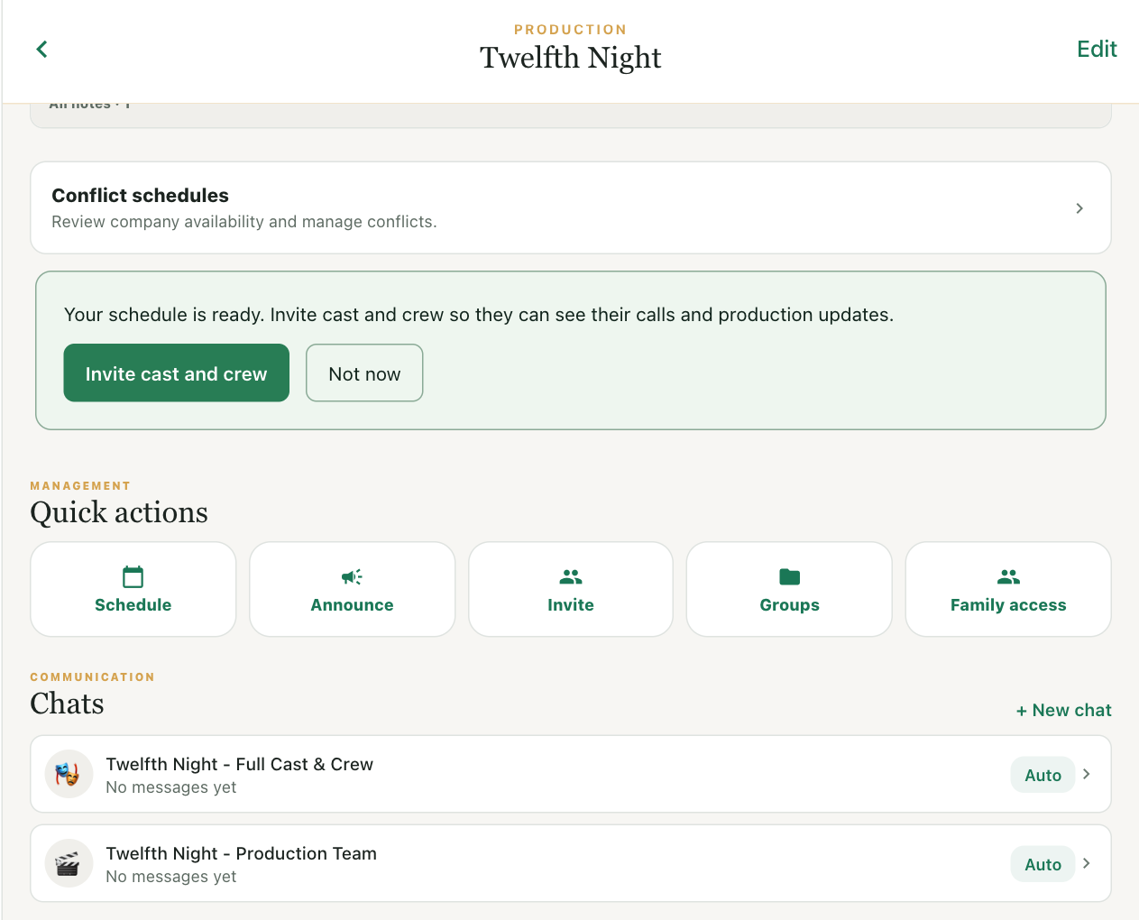
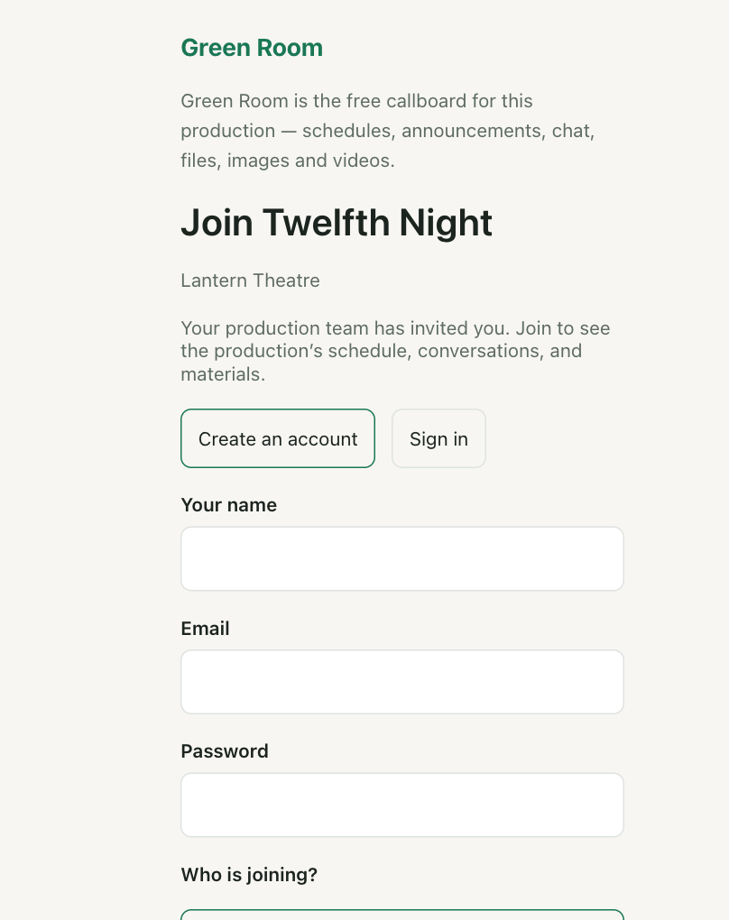
Invite or join the company. From the show, choose Invite and create a join link. Copy it into your company’s welcome message. Cast and crew see the show name before they sign in. Once they join, you can assign their production roles.
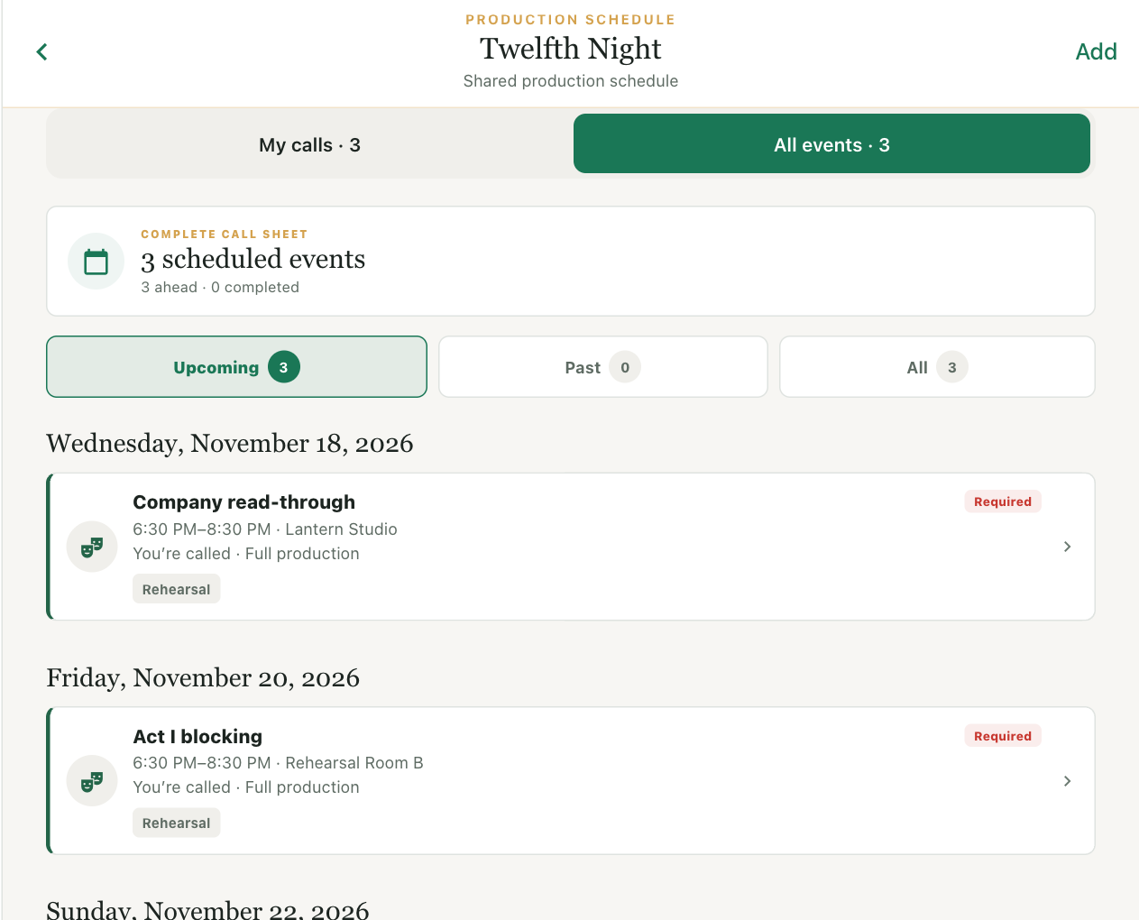
Schedule a rehearsal. Schedule a rehearsal with its time and room, then choose who is called. Open a call to see the details. Cast and crew can switch to My calls to find their own rehearsals.
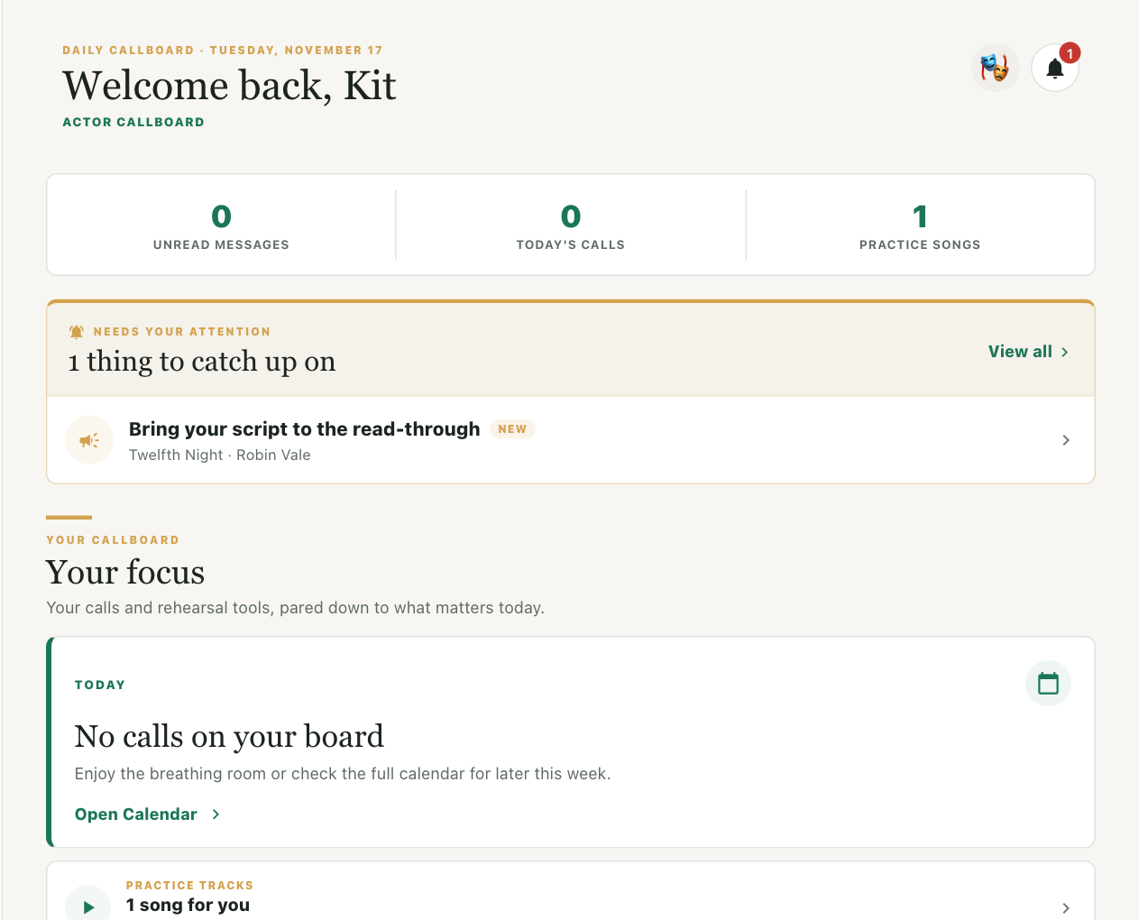
Post a company update. Choose Announce to post an update. Ask for confirmation when the whole company needs to acknowledge it. Here’s how it appears on a member’s Feed. For back-and-forth questions, open Chat.
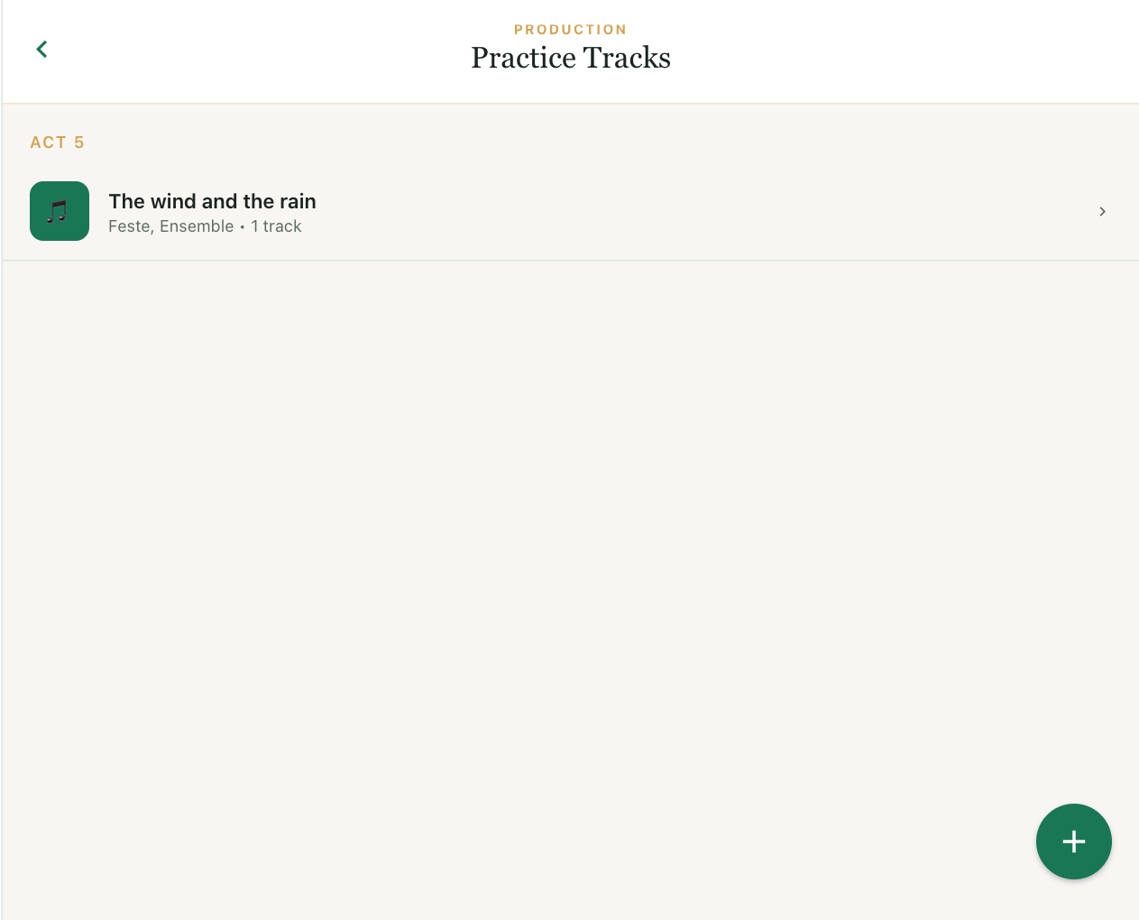
Share rehearsal materials. Open Practice Tracks and choose the song you’re rehearsing. Its parts and recordings stay together. Use Scenes for notes, Documents for shared files, and Gallery albums for rehearsal photos and videos.
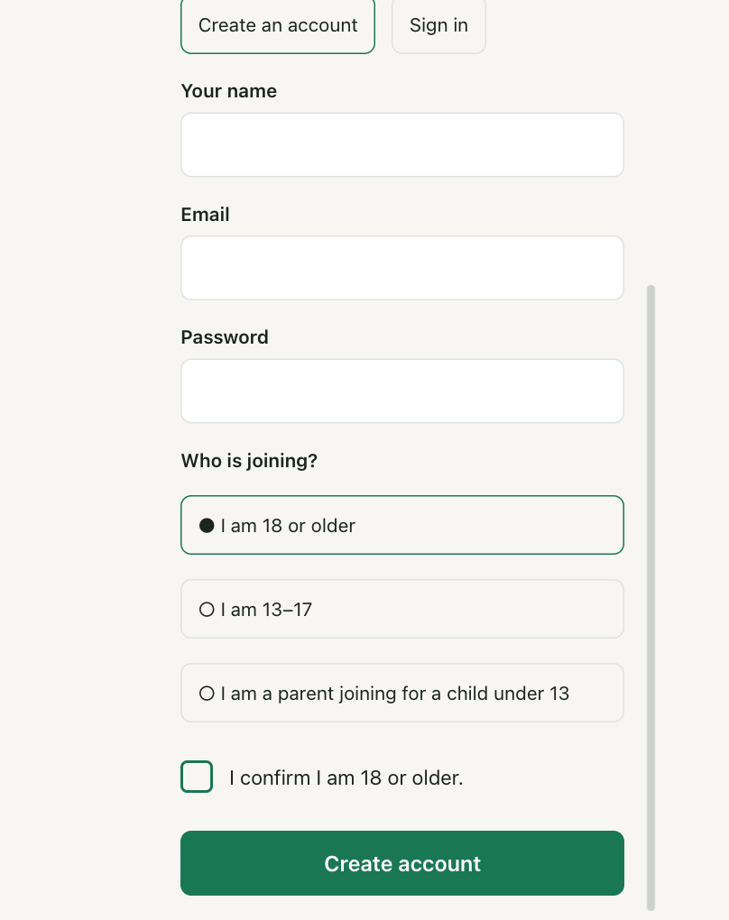
Bring families into the show. The invitation includes paths for adults, teens, and parents joining for a child under thirteen. Approved parent access lets a family follow the show. Guardian screening has a separate consent process.
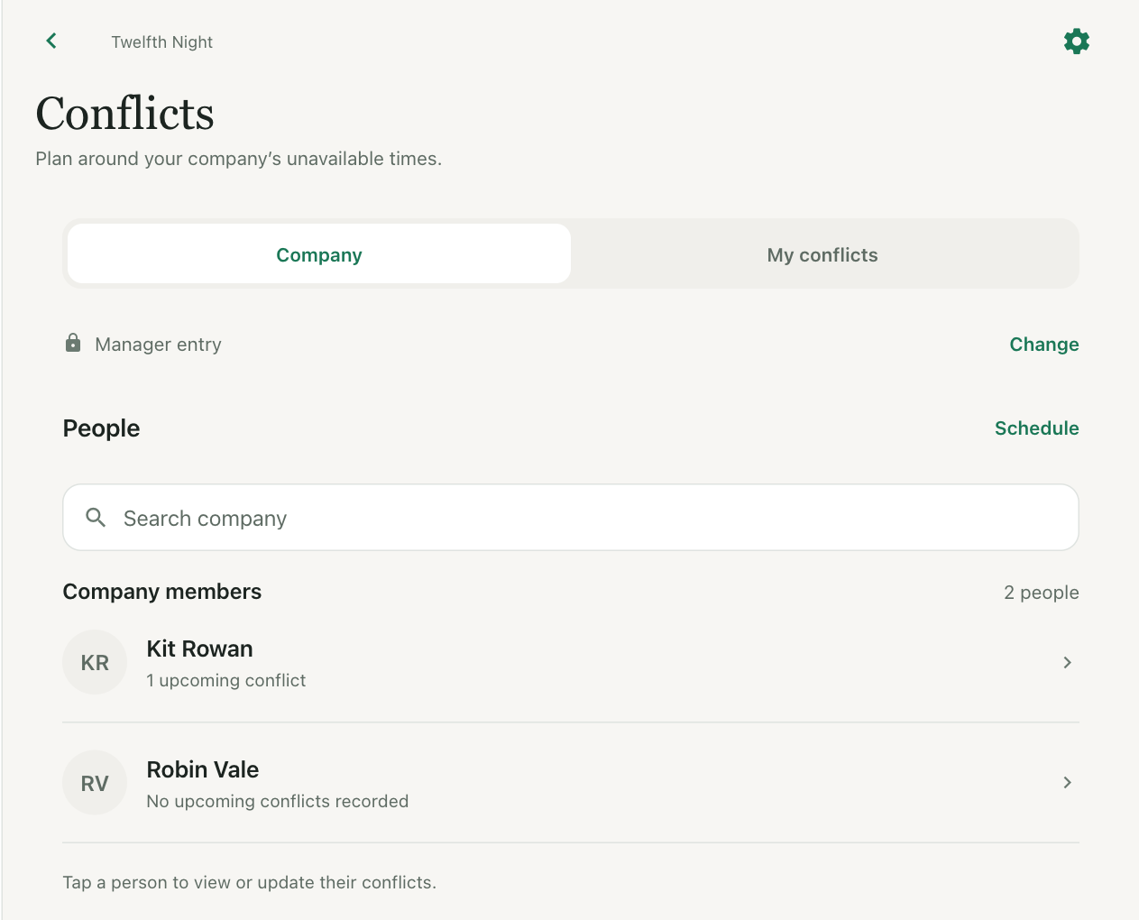
Check company availability. With Pro, open Conflict schedules and choose a person to review their unavailable dates. When you schedule a call, review overlaps for the people called before saving it.
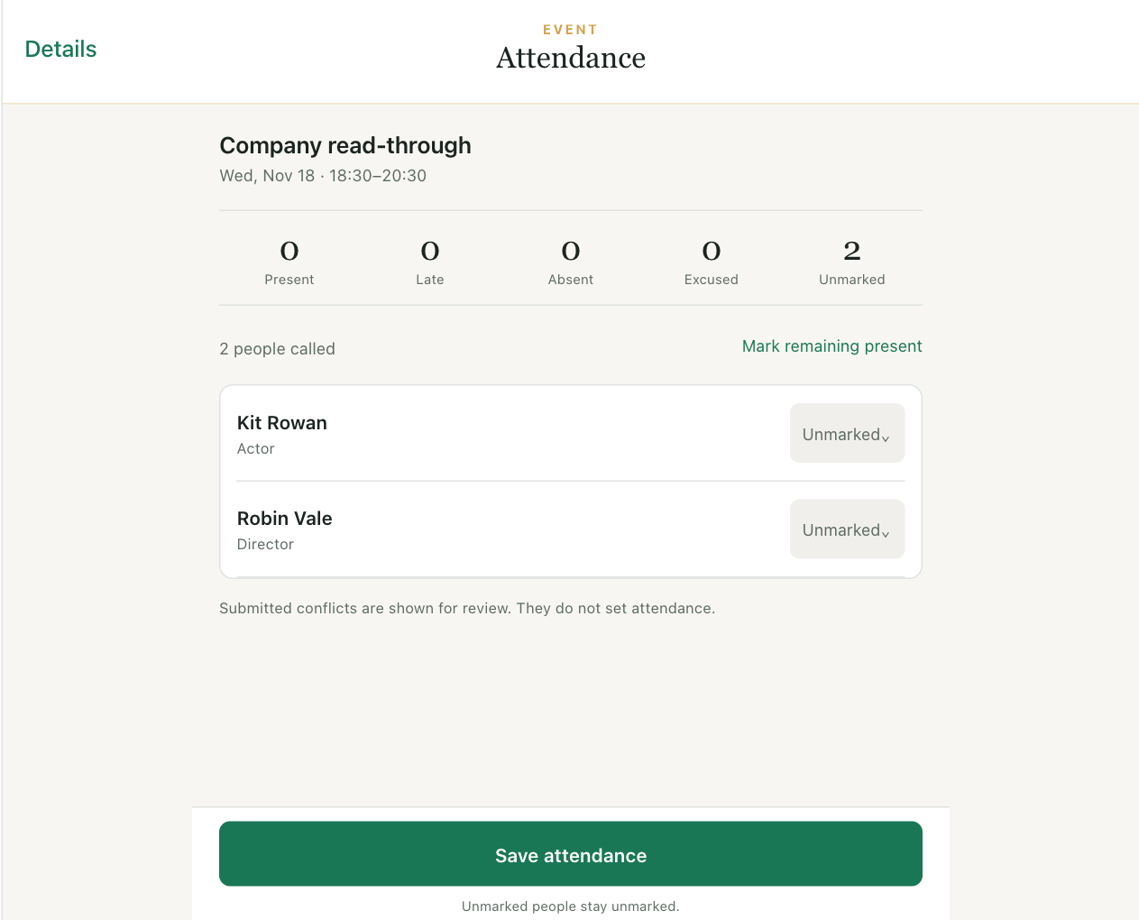
Take rehearsal attendance. Open Attendance from a rehearsal. Select a called member to record a status, late minutes or a staff note. Save when you’re ready. A partial roll call leaves the remaining people unmarked.
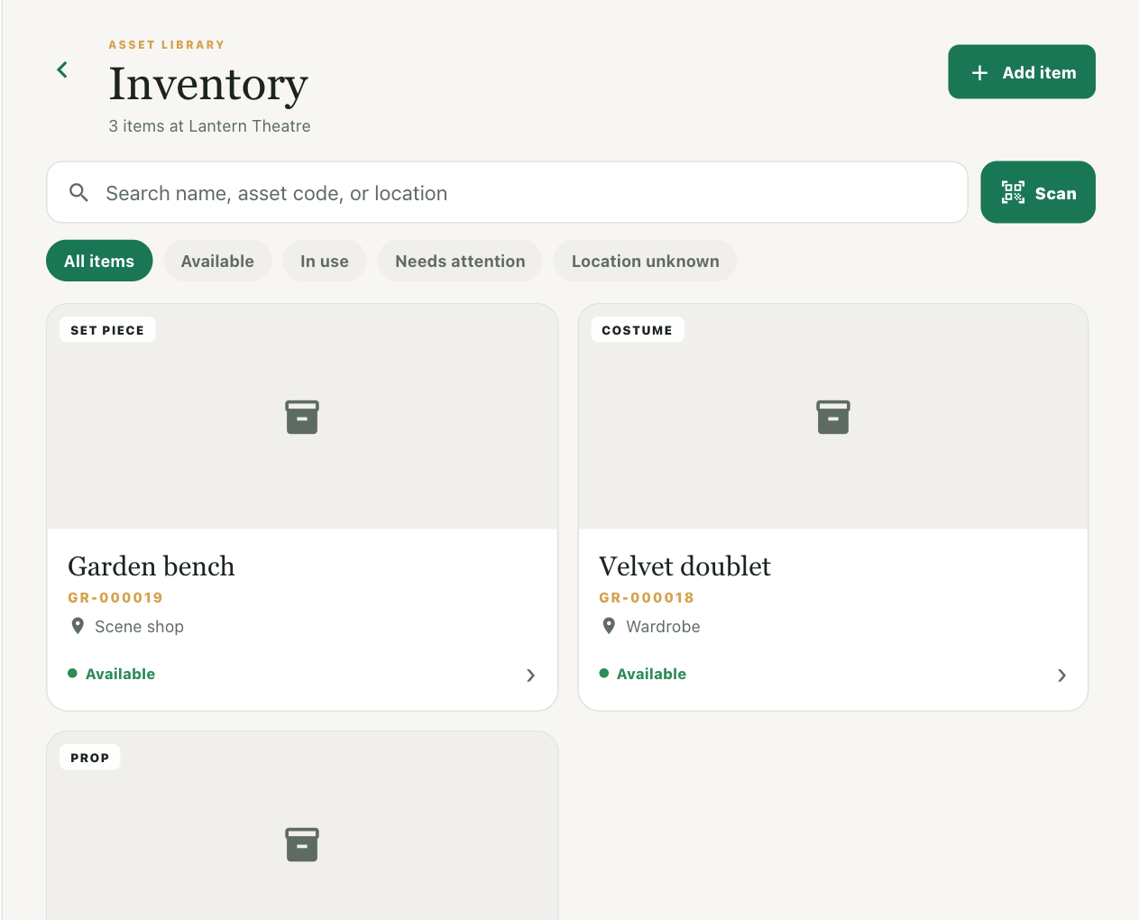
Find a prop or costume. Inventory keeps props, costumes, and set pieces together across productions. Open an item to find its location. A printed QR label takes the next person back to the same record.
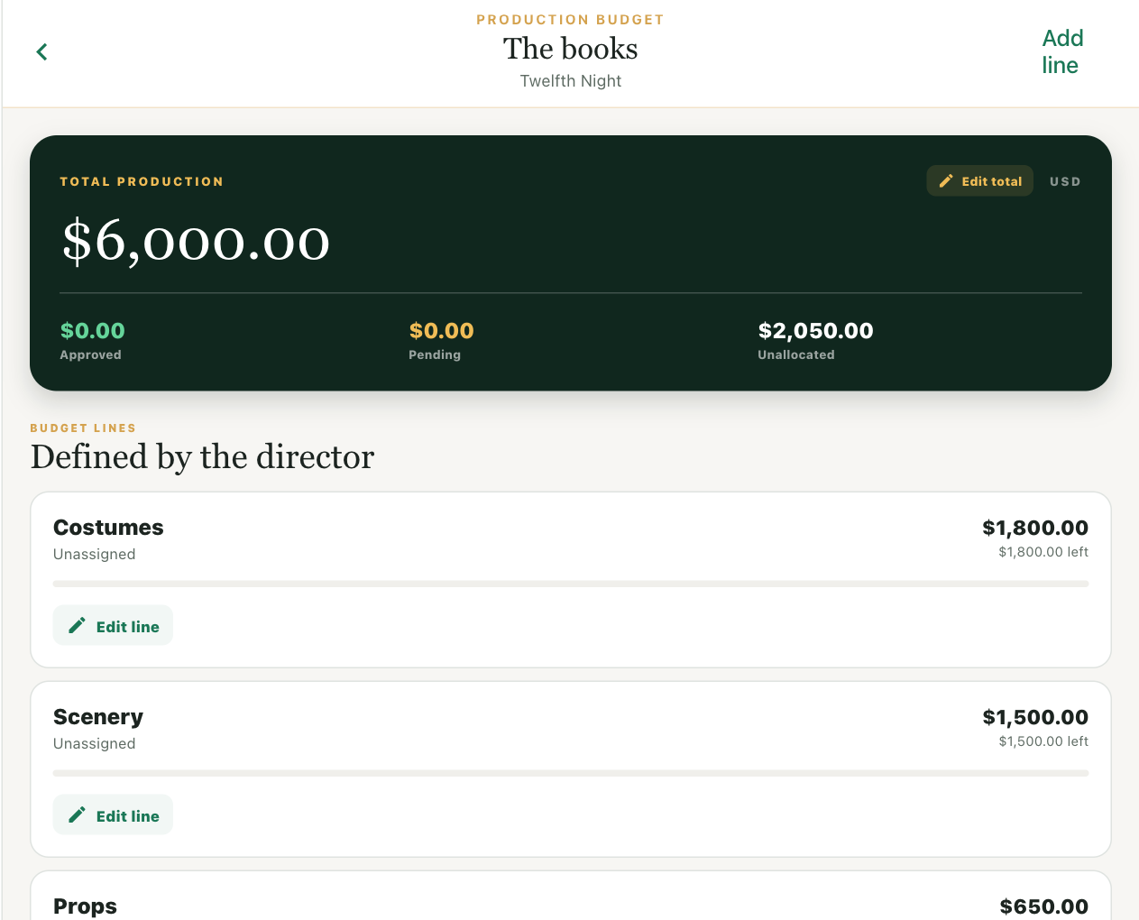
Manage the show budget. Set the production budget, divide it into spending areas, and assign the people responsible. Members submit expenses and receipts. Managers review purchases and see what remains for each department.